
A short pause, raised eyebrow or boxing pose can work as a reaction loop. Keep the beginning and ending close in pose so the repeat feels natural.
The studio downloads MP4 video. GIF conversion happens afterward in an editor; this site does not provide a GIF converter.
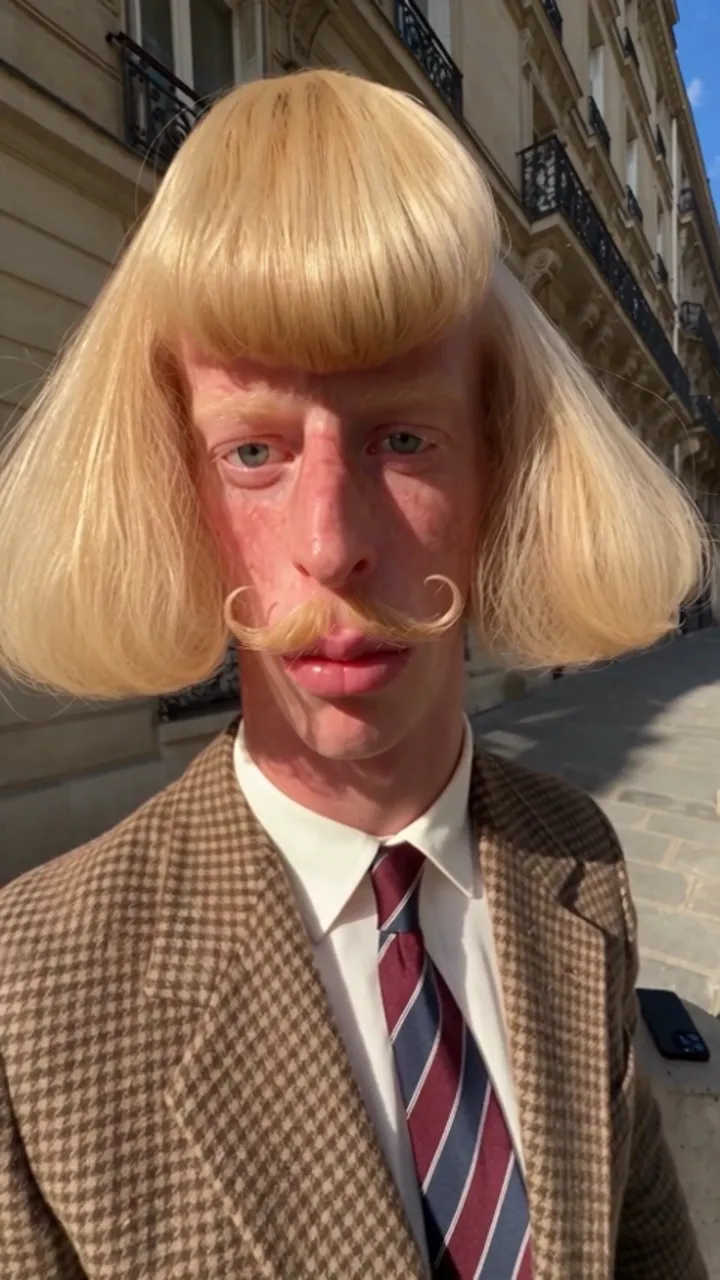 Style reference
Pick a moment that loops
Look for a short pause, eyebrow raise or stable final pose in your downloaded video. Choose a beginning and ending with similar framing and lighting. A rapid camera move or a large pose change creates an obvious jump at the loop boundary.
Convert after downloading
Download the MP4 first. In your preferred editor, trim a short section, preview the repeat and export GIF if the editor supports it. Reduce the dimensions or frame rate if the file is too large. Keep a copy of the MP4 because GIF does not retain the original audio.
What the studio actually delivers
The built-in generation flow returns MP4 video and a download link. It does not export GIF, remove a background or publish to a social account. Use the café or boxing scene for a short character reaction, then finish the loop in an editor.
Sources and editorial notes
Studio instructions describe the current JeanPhil AI workflow. Prompts are original planning examples; the studio uses built-in scene scripts. Reference videos and images illustrate creative styles; they are not our tested generation results. Read our editorial approach